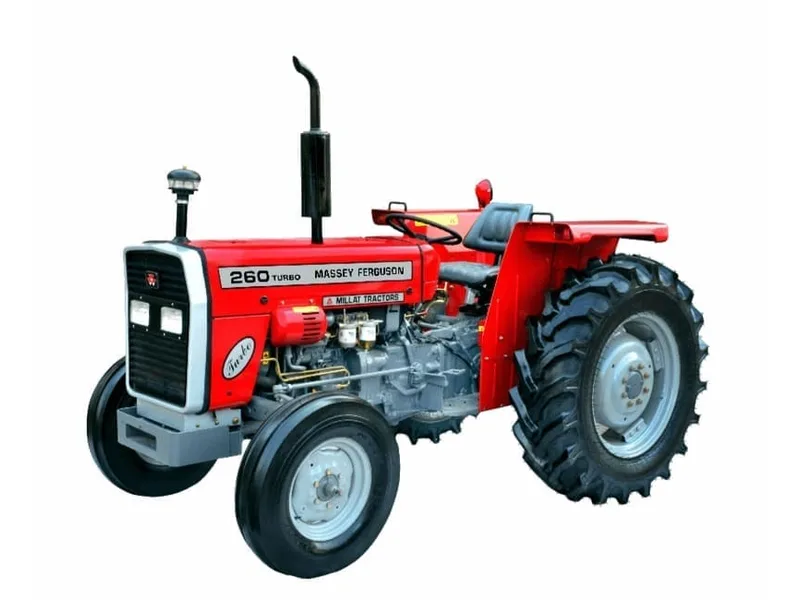
Machine details
Use the complete model and relevant serial reference.
IDENTIFY FIRST · ORDER ACCURATELY
A part name can describe several different components. Collect the identification details first so the parts team can check the correct replacement for your machine.
Explore the tool ↓START WITH THE REQUIREMENT
Use the complete model and relevant serial reference.
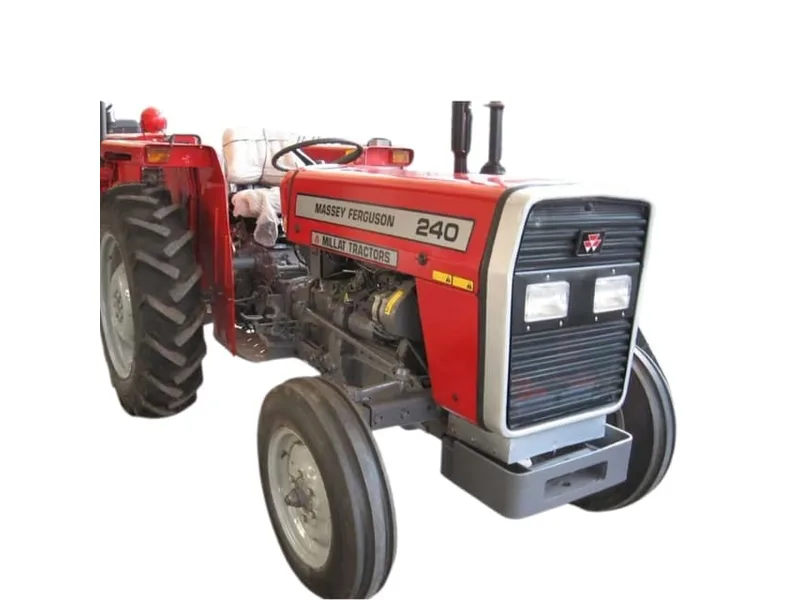
Keep the marking, measurement units and component location together.
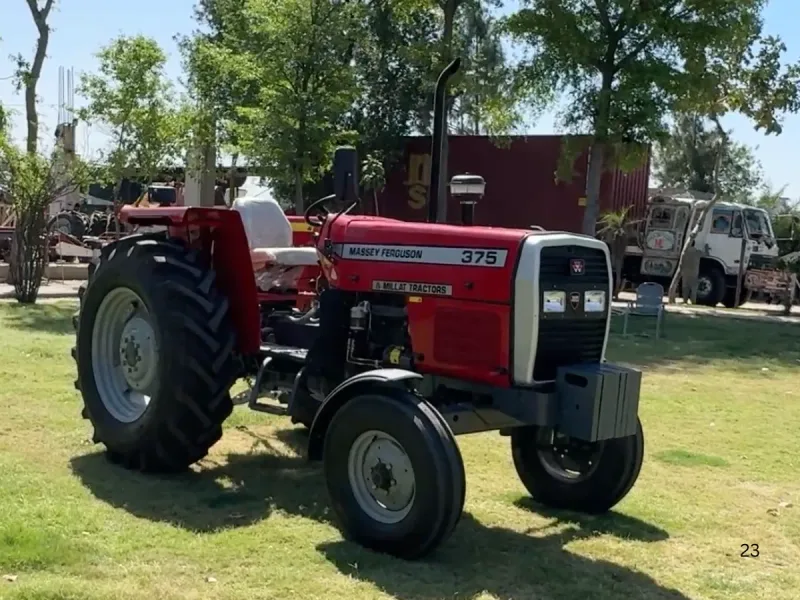
Confirm quantity, destination and what is included in the replacement.
YOUR WORKING NOTES
Create a draft with the information you know. Leave uncertain details marked unknown rather than guessing a part number.
Tools run in your browser. Use the contact page when you are ready to prepare a separate enquiry.
Your result will appear here.
FIELD NOTES
The best enquiry connects the component to the exact tractor and includes enough evidence to distinguish similar parts.
Read the complete guide →Record the complete tractor model, drive version and relevant serial or engine reference from your own machine records.
Copy the part number or casting mark character by character and describe where it appears.
After safely isolating the machine according to its manual, photograph the component from more than one angle and include readable markings.
No. Photos support identification, but the part reference and machine configuration still need checking.
No. It generates a text draft. You can add photographs yourself in your chosen email or messaging app.
Share the model, task and destination. Ask for the specification and delivery scope that apply to your requirement.